
Lenovo for Business
NEOLA helps companies select, supply and deploy Lenovo solutions for business — ThinkPad and ThinkBook laptops, ThinkCentre desktops, ThinkStation workstations, ThinkVision monitors, peripherals and ThinkSmart solutions for meeting rooms and hybrid collaboration.
Get a Consultation
Lenovo environment with consistent standards for setup
The right Lenovo workplace
for every role
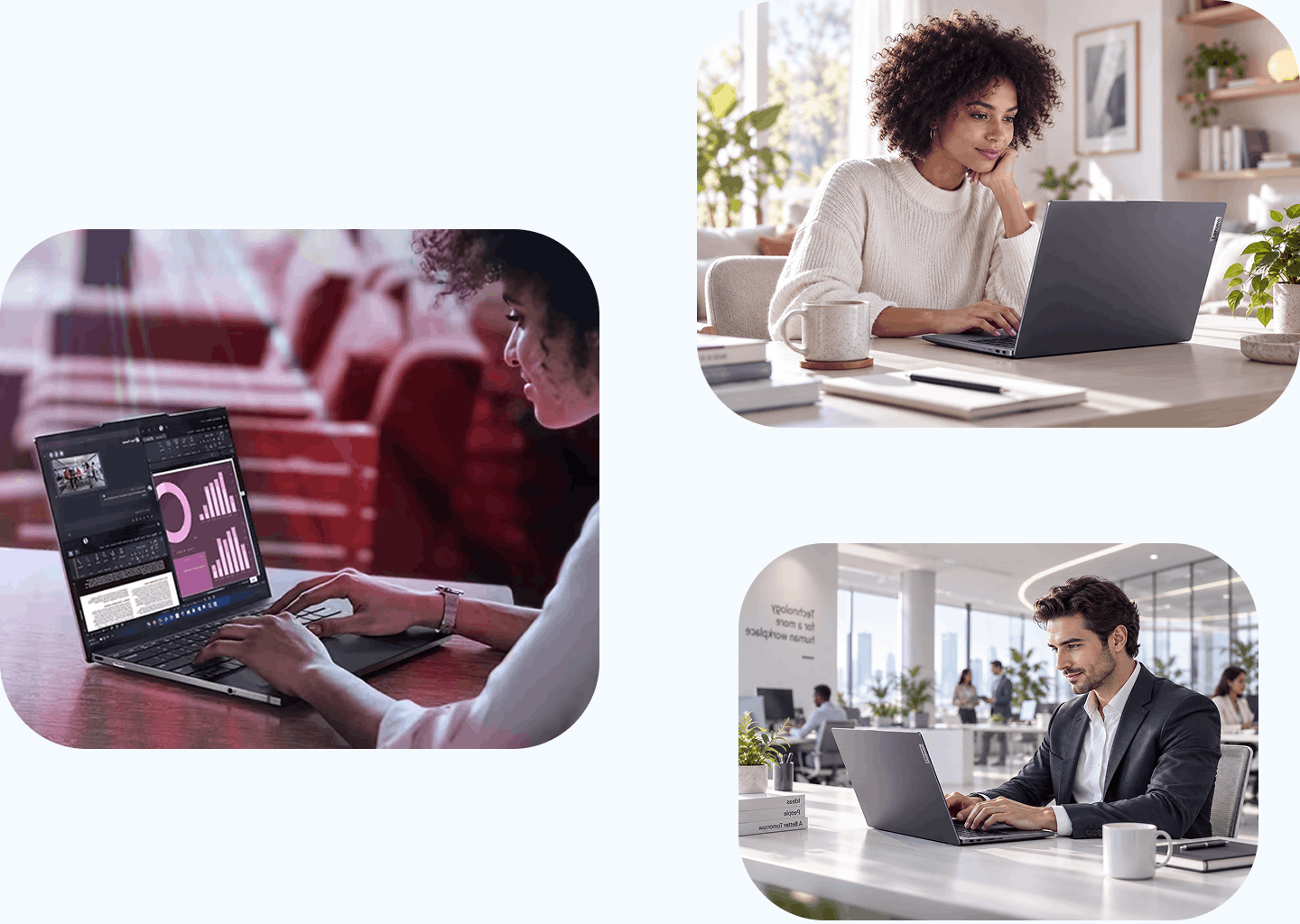
Different teams need different combinations of mobility, performance, displays, peripherals and collaboration tools.
Office users, mobile employees, managers, engineers and designers should not be forced into the same device standard. We assess real work scenarios first, then define the right Lenovo configuration for each role.
The result is a predictable workplace standard that simplifies onboarding, procurement, support and future refresh cycles.
Lenovo business devices
and collaboration solutions
-
ThinkPad and ThinkBook business laptops
 For office, mobile and hybrid employees, managers, administrative teams and specialists who need reliable devices for everyday business work.
 -
ThinkCentre desktops
For offices, workgroups and branches that need fixed workplaces with predictable performance and straightforward servicing. -
ThinkStation workstations
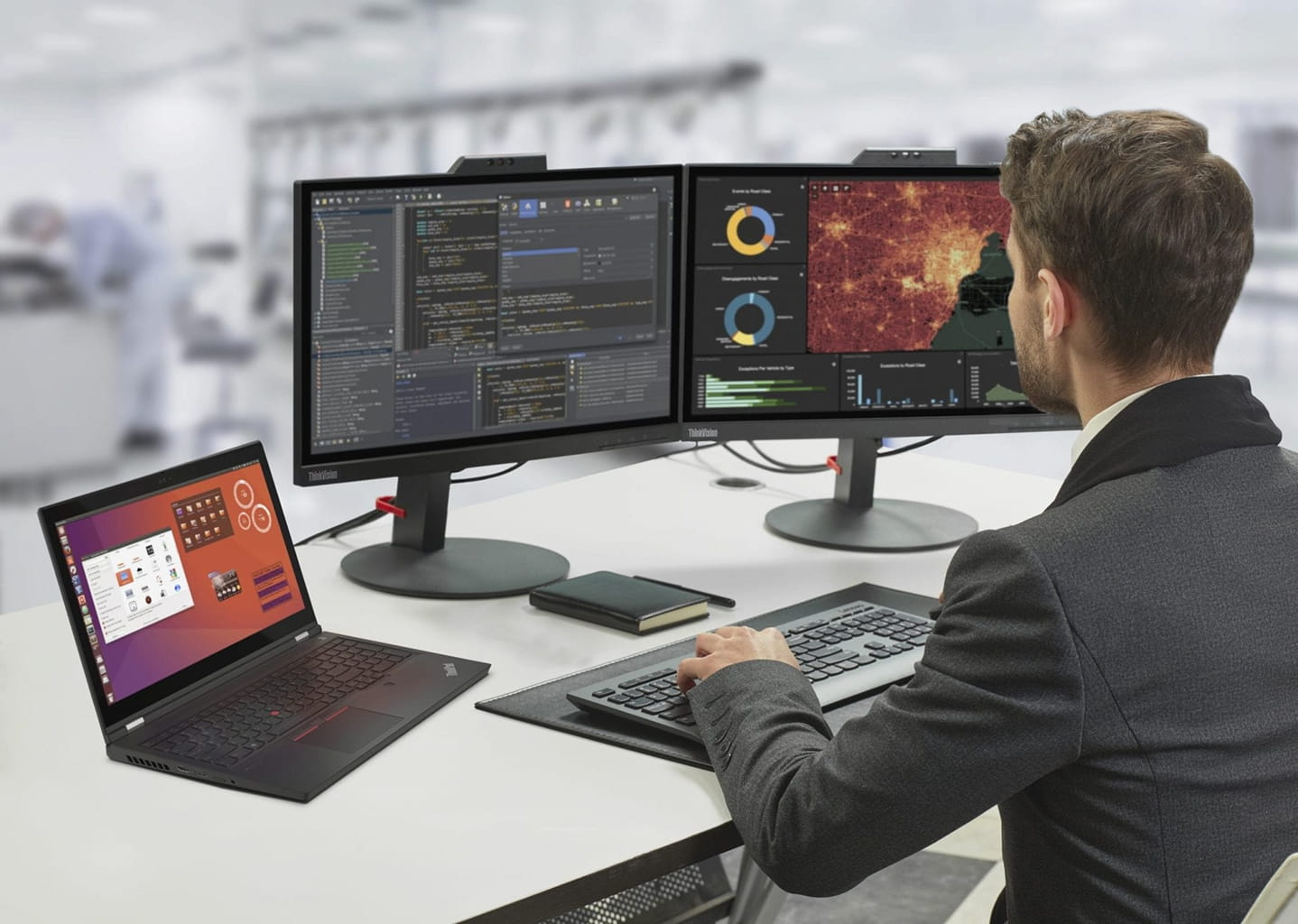
For engineers, designers, analysts, architects and developers working with demanding applications, graphics, large files or specialised software. -
ThinkVision monitors and peripherals
For standardised workplaces that combine displays, docking solutions, keyboards, mice and accessories into a consistent everyday setup. -
ThinkSmart for meeting rooms
For video meetings and hybrid collaboration in rooms of different sizes, including scenarios built around Microsoft Teams and Zoom.
Build Lenovo standards
around real work scenarios
Instead of choosing the same device for everyone, definea small number of repeatable Apple workplace profiles.
Get a Consultation
Everyday
Office
A ThinkPad, ThinkBook or ThinkCentre configuration paired with the right ThinkVision display, docking solution and peripherals. The focus is predictable daily performance, serviceability and a repeatable setup for office teams.
Get a Consultation
Mobile
& Hybrid
A mobile ThinkPad or ThinkBook combined with docking, external display and peripherals where needed. We consider weight, battery life, connectivity and compatibility with collaboration tools so the same user can work comfortably in different locations.
Get a Consultation
Engineering
& Creative
A ThinkStation-based configuration selected around the actual applications, graphics, compute requirements, memory and display needs of the role. The goal is to provide the required performance without applying workstation-class hardware to users who do not need it.
Get a Consultation
Meeting &
Collaboration
ThinkSmart devices can be selected around the size and purpose of the meeting room, with the required camera, audio and collaboration experience for Microsoft Teams or Zoom. This creates a repeatable room standard instead of treating every space as a separate project.
Get a Consultation
Standardise workplaces
without overconfiguring
every employee
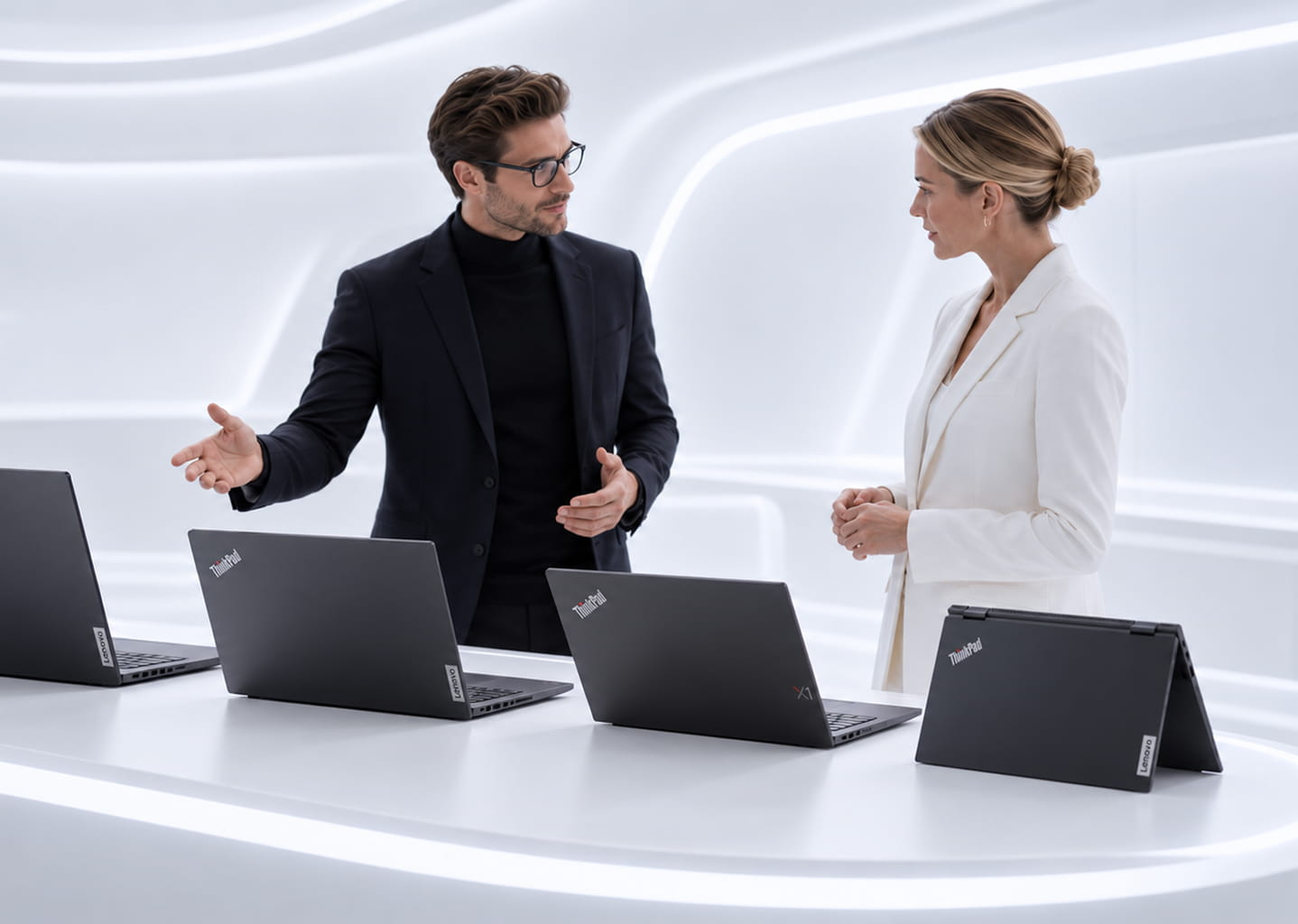
The most expensive device is not automatically the best business choice.
We look at what employees actually need and balance performance, mobility, lifecycle, compatibility and budget. This allows companies to define several repeatable Lenovo standards instead of maintaining a fragmented fleet built device by device.
Clear role-based standards make future purchases, support, documentation and refresh planning more predictable.
More than hardware selection
NEOLA can support the process from user-role assessment through supply, preparation, integration and lifecycle planning.
-
Requirements and role assessment
We analyse employee roles and workflows to determine who needs a mobile laptop, who is better served by a desktop and who requires a professional workstation. -
Configuration and warranty design
We select Lenovo devices around performance, mobility, display, ports, warranty, service and budget rather than choosing one model for everyone. -
Workplace standard design
We create clear bundles for different groups: laptop or desktop, monitor, dock, peripherals and, where relevant, meeting-room equipment. -
Supply and device preparation
We organise delivery of Lenovo solutions and prepare the equipment for use in the corporate environment. -
Integration, documentation and lifecycle support
We align devices with the company’s IT processes, Microsoft 365, Teams and related services, document the standard and support the fleet after rollout.
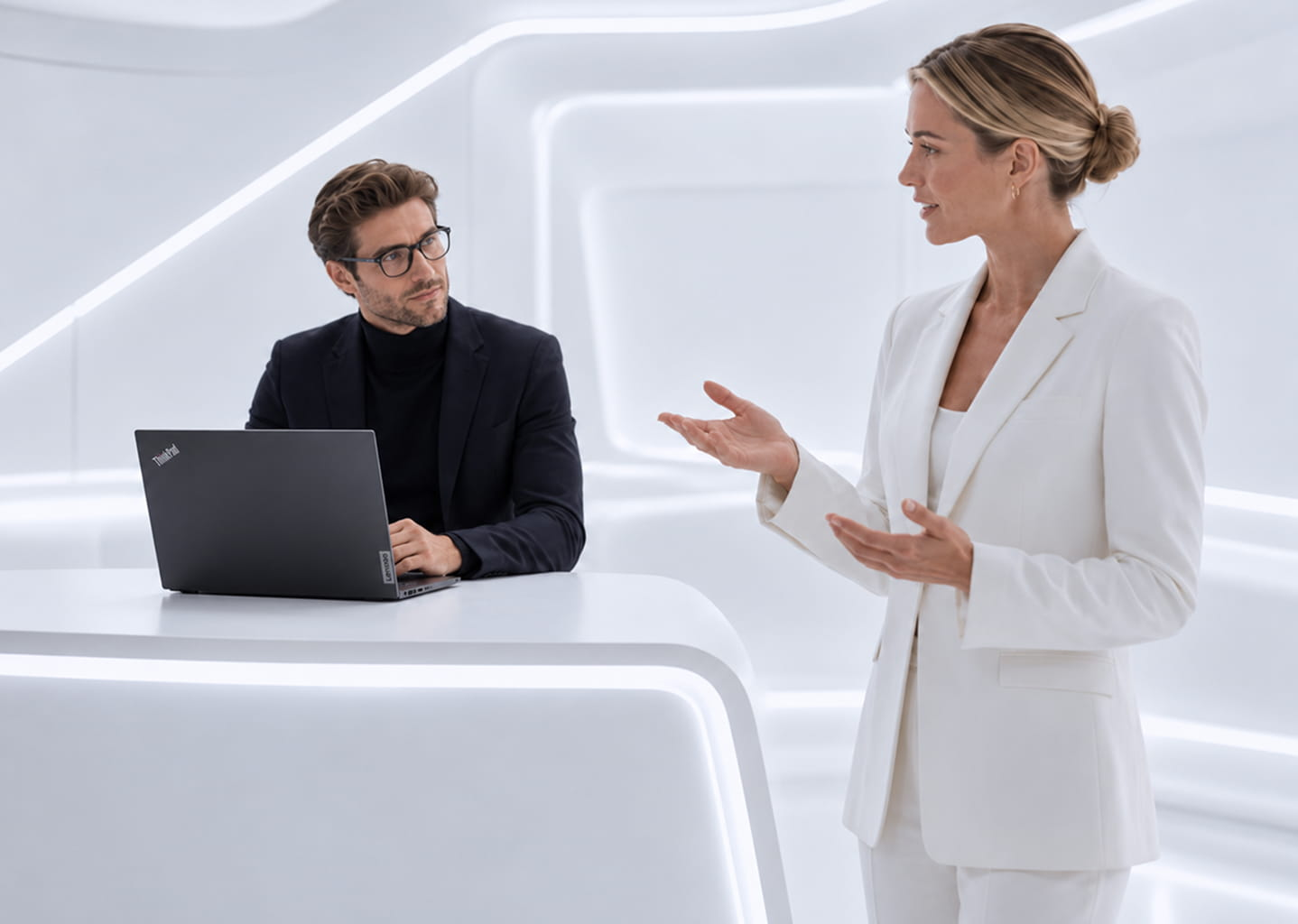
Lenovo technology as part
of a complete workplace
strategy
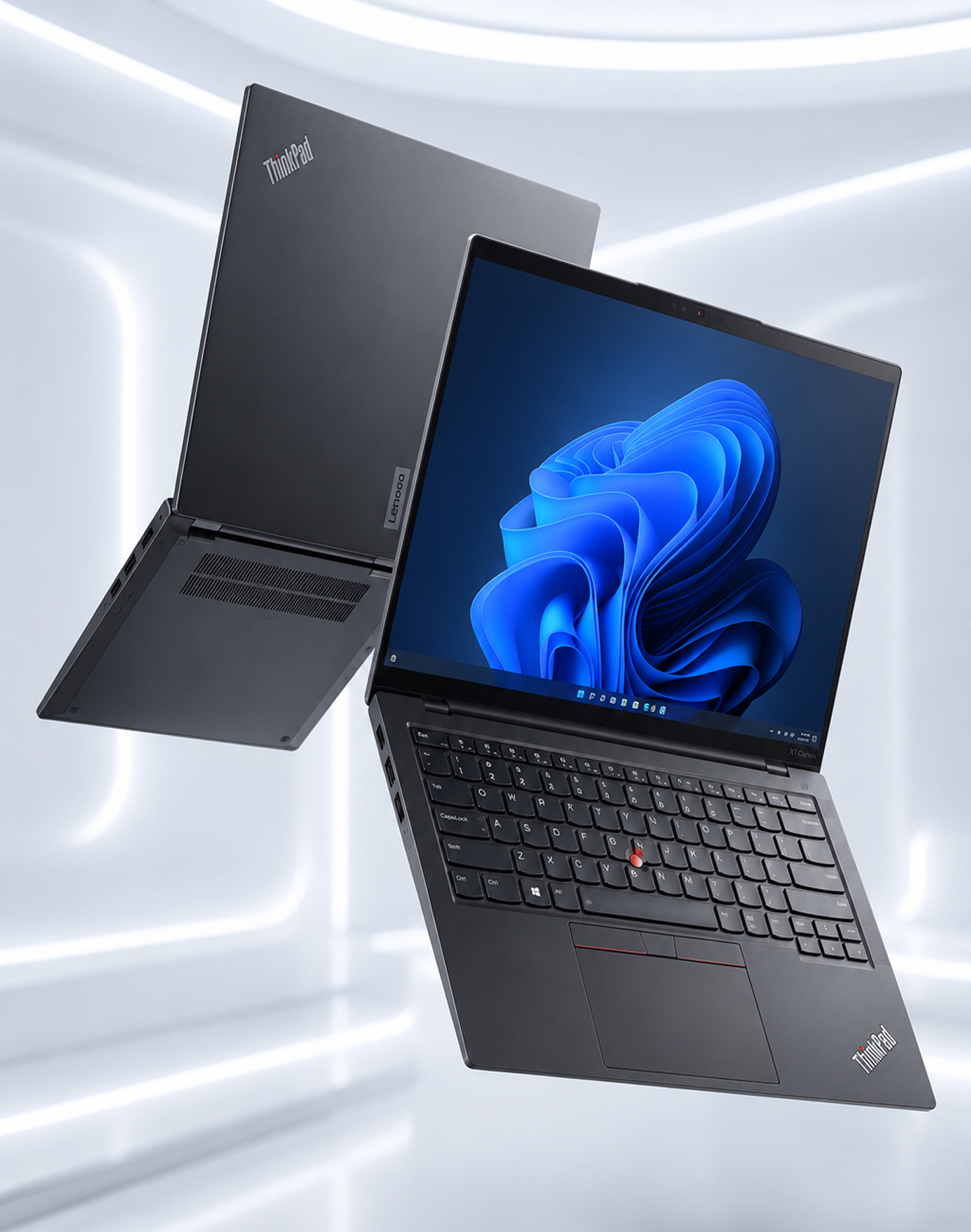
NEOLA helps businesses move from ad-hoc purchasing to a clear workplace model built around employee roles.
We consider not only the device, but also displays, docking, peripherals, warranties, collaboration tools, support and future refresh cycles.
Personal devices, Microsoft 365, Teams, meeting rooms and corporate IT processes can then work as one coordinated environment instead of separate technology islands.
F.A.Q.
Clear answers before we start
-
Which Lenovo laptops are suitable for office employees?
It depends on the role. For many office scenarios, a business ThinkBook or ThinkPad is sufficient; mobile users may prioritise weight and battery life, while managers may place more value on display quality and portability. We define the configuration after reviewing the role. -
What is the difference between ThinkPad and ThinkBook for business?
ThinkPad is focused on business reliability, durability and manageability, and is often well suited to users who work extensively on the move. ThinkBook combines business functionality with a modern design and can fit office and hybrid roles where value and everyday usability are important. -
When is a ThinkStation workstation required?
When ordinary PC performance becomes a limitation for tasks such as engineering, 3D graphics, video work, large datasets or specialised applications. ThinkStation can then be configured around the specific workload. -
Can Lenovo solutions support hybrid work?
Yes. We can combine business laptops with docking solutions, monitors and peripherals so employees can work comfortably both at a fixed desk and away from the office. -
Can NEOLA help standardise Lenovo workplaces?
Yes. We define a small number of clear role-based standards so procurement, support and refresh cycles remain predictable rather than fragmented. -
Can Lenovo equipment be selected for Teams and Zoom meeting rooms?
Yes. ThinkSmart solutions can be selected around the room size and collaboration scenario, including Microsoft Teams and Zoom environments. -
Can NEOLA help refresh an existing laptop and PC fleet?
Yes. We can plan and deliver a gradual refresh, from replacement-model selection through supply and integration, without forcing the organisation into a disruptive one-time change. -
Can different Lenovo bundles be created for different employee groups?
Yes. Office users, mobile employees, managers, engineers and designers can each have a different workplace profile instead of receiving the same configuration.
Contact us
Let’s get in touch
Tell us what you need — cloud migration, cybersecurity, networking, infrastructure, workplace devices, or ongoing IT support. We’ll review your request and help you choose the right next step.