
Dell for business
NEOLA helps companies select, supply and deploy Dell solutions for everyday business — from Dell Pro laptops and desktops to Dell Pro Max workstations, Dell and Dell UltraSharp monitors, docking stations and peripherals.
Get a Consultation

The Right Technology
For Every Workplace
There is no single “best” computer for every employee — and the highest specification is not automatically the best business choice.
Office users, mobile employees, analysts, engineers and creative teams all have different requirements. We assess real working scenarios, then balance performance, mobility, display quality, compatibility, service and budget.
The result is a clear set of device standards that can be repeated across new hires, teams, offices and future refresh cycles.
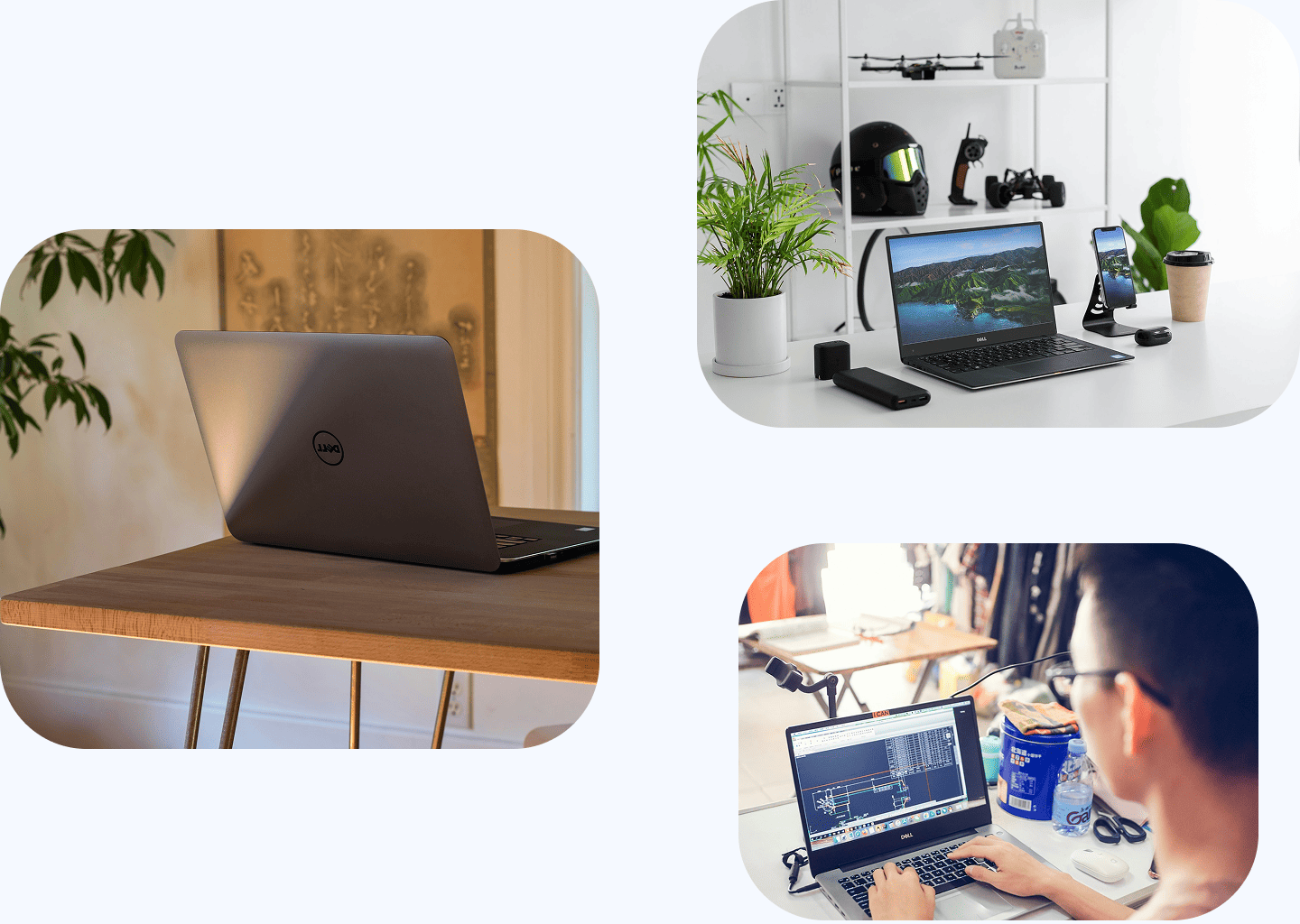
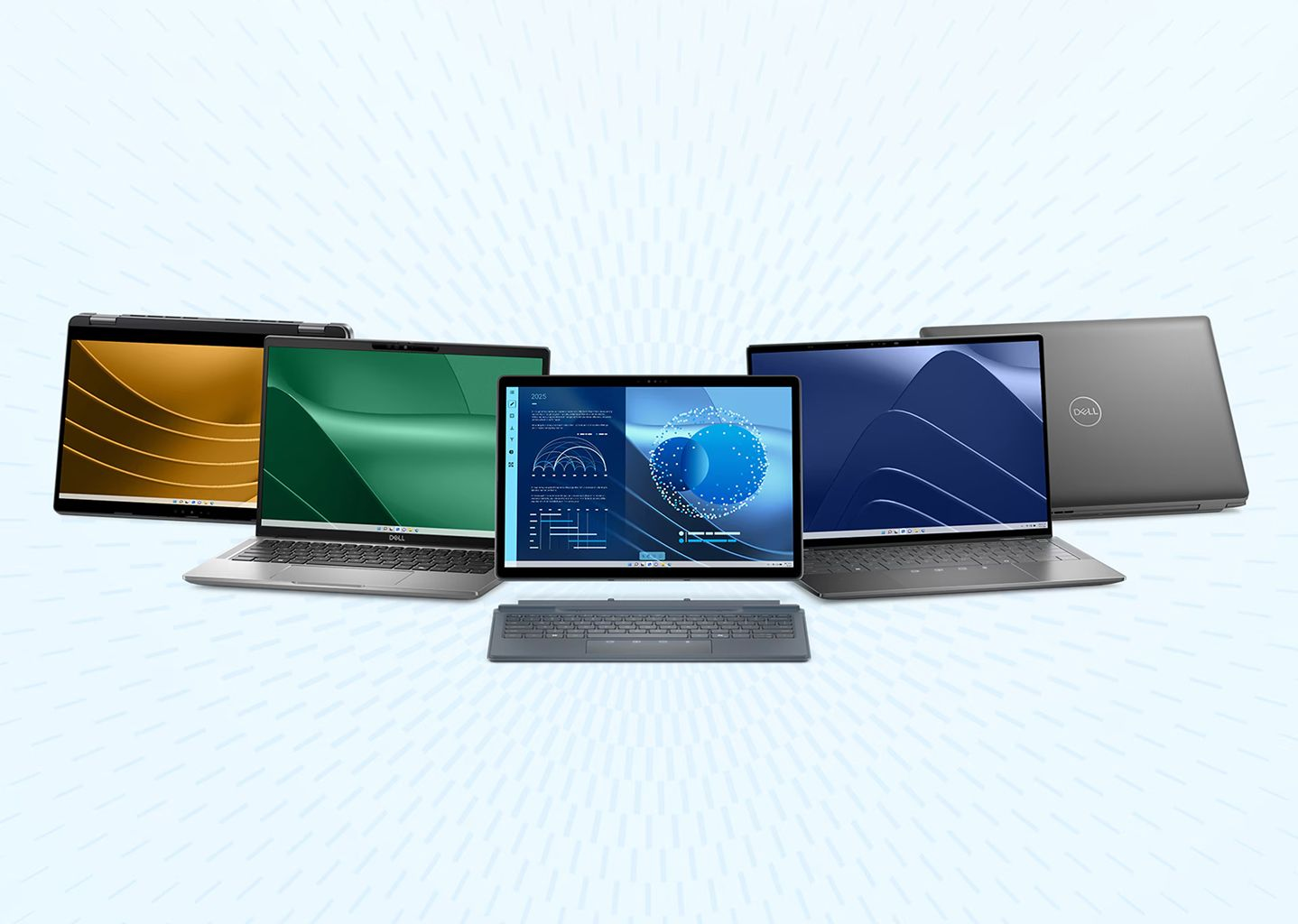
Dell business devices for
every way of working
-
Dell Pro laptops and business PCs
 For everyday office, mobile and hybrid work. We select devices around the user role, mobility needs, display, ports, security requirements and company standards rather than one generic model for everyone.
 -
Dell Pro Max workstation
For engineers, designers, analysts, developers and teams working with graphics, large files, local AI workloads or specialist applications where a standard business PC is no longer enough. -
Dell and Dell UltraSharp monitors
For documents, spreadsheets, analytics, presentations, creative work and multi-window workflows. We design the monitor setup as part of the complete workplace, not as an afterthought. -
Docking stations, peripherals and accesories
Docks, keyboards, mice, cameras, headsets, adapters and other components that turn a laptop or desktop into a comfortable and repeatable workplace configuration. -
AI PCs and Copilot+PC scenarios
If teams plan to use newer on-device AI capabilities, we can factor processor, NPU, memory and lifecycle requirements into the device standard so today’s purchase remains relevant for the next refresh period.
Build complete workplace configurations
One company may have dozens of job roles — but it does not need dozens of completely different device configurations.
Neola can help define several practical workplace profiles and standardize equipment around them.
Everyday
Office
A Dell Pro laptop or desktop with a monitor, keyboard and mouse — sized for daily office work. The focus is reliability, comfort, compatibility and sensible cost, without paying for performance the user will never need.
Get a Consultation
Mobile
& Hybrid
A mobile Dell Pro laptop paired with a docking station, monitor, webcam or headset. Priorities include battery life, weight, connectivity, video calls and a seamless transition from mobile work to a full desk setup.
Get a Consultation
Power
User
A configuration for analysts, managers, developers and specialists who run many applications, large spreadsheets or data-heavy business tools. We increase CPU, RAM, SSD and display capability where it creates value — without automatically moving every user to workstation class hardware.
Get a Consultation
Professional
workstation
A Dell Pro Max workstation paired with the right professional display and peripherals. The configuration is built around the actual applications and workloads so performance is driven by real requirements, not simply by model hierarchy.
Get a Consultation
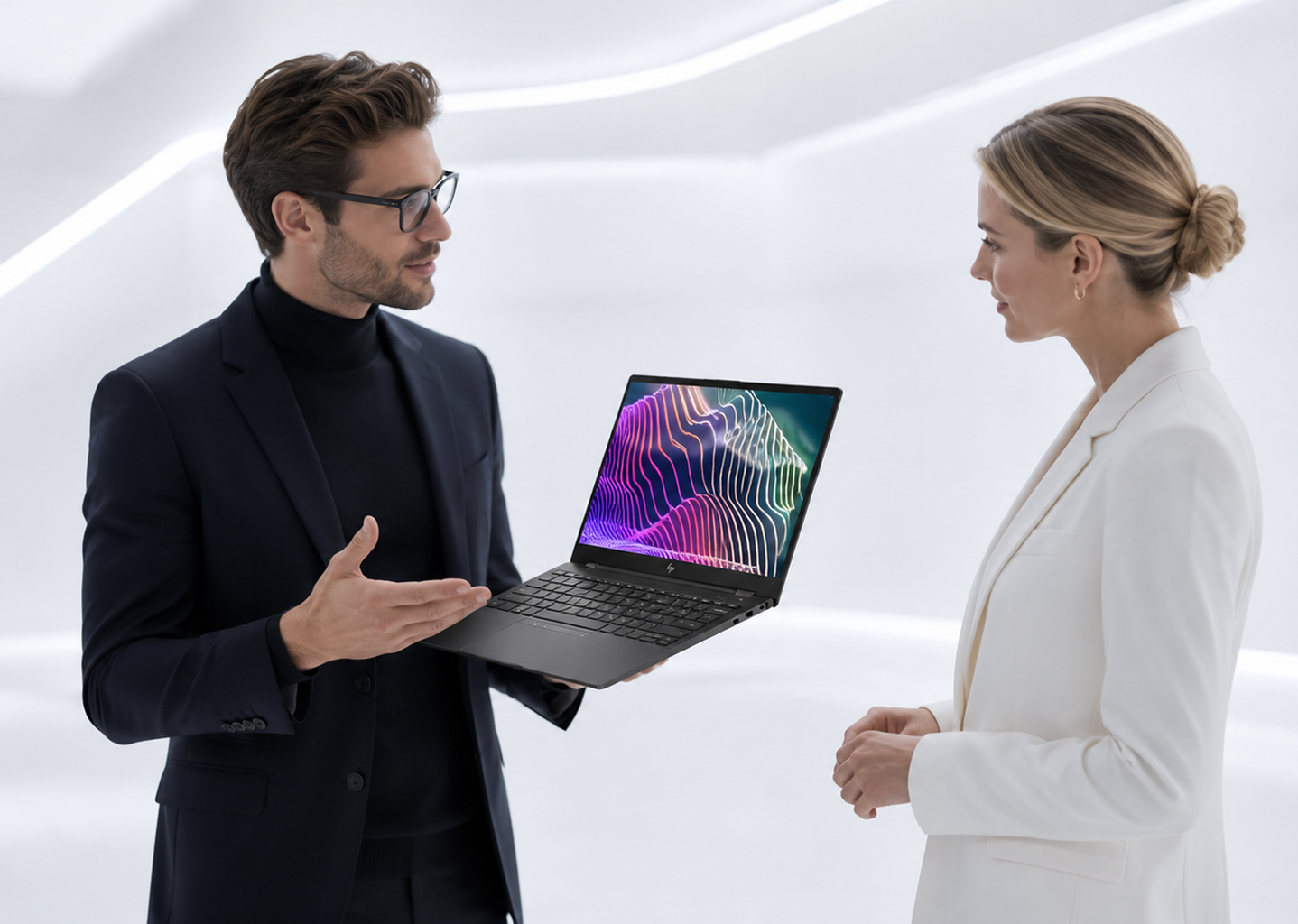
Standardize your workplace
without overconfiguring it
The most expensive device is not automatically the best business choice.
We look at what each role actually needs and balance performance, mobility, display quality, ports, docking, warranty, compatibility and budget.
This makes it possible to maintain a small number of clear workplace standards instead of a mixed fleet assembled ad hoc — simplifying purchasing, support, documentation, warranty planning and future device refreshes.
More than hardware selection
NEOLA can support the process from user-role assessment through supply, preparation, integration and lifecycle planning.
-
User-role and workload assesment
We identify who needs a mobile laptop, who can use a desktop and who requires a workstation. We also consider hybrid work, office locations, applications and the way teams actually use their devices. -
Model, configuration and warranty selection
We compare performance, mobility, displays, ports, memory, storage, docking, warranty and service options so the selected Dell configuration fits both the workload and the budget. -
Workplace configuration design
We create repeatable bundles combining a laptop or desktop, monitor, docking station and peripherals. Each standard maps to a user group and can be procured consistently over time. -
Supply and device preparation
We coordinate Dell equipment supply and help prepare devices for use in the corporate environment so deployments can follow the agreed rollout schedule. -
Integration, documentation and lifecycle
We help align devices with company IT processes, document standards and plan warranties, support and future refresh cycles instead of managing each purchase as an isolated event.
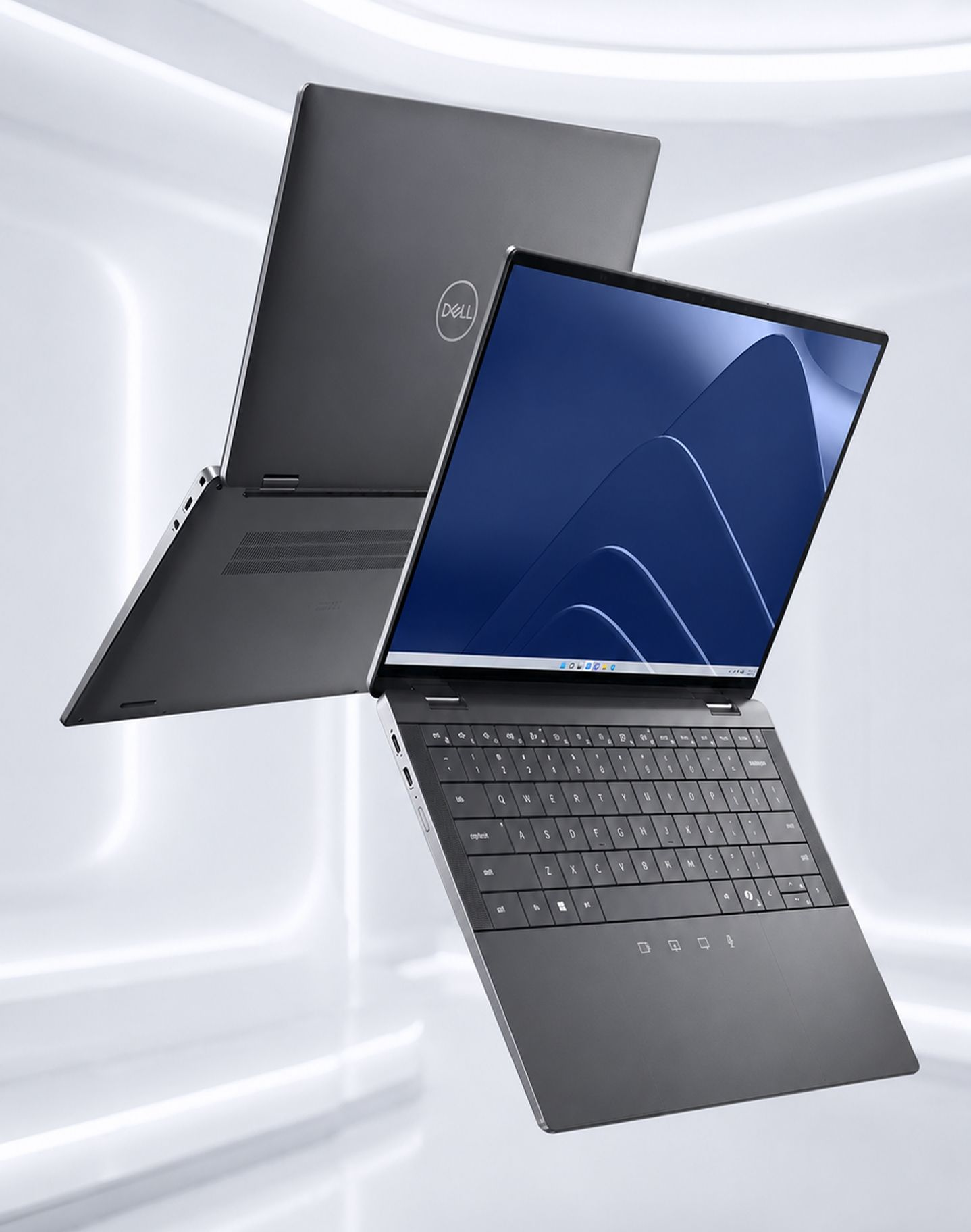
Why work with NEOLA on
Dell workplace projects
We do not start with “which model should you buy?”. We start with the way employees work and the standards the organization needs to maintain.
Our recommendations consider the device together with monitors, docking, peripherals, warranty, compatibility with Microsoft 365, Teams and Zoom, security requirements and the way the fleet will be supported and refreshed.
That turns Dell hardware into part of a coherent workplace environment rather than another disconnected device category.
F.A.Q.
Clear answers before we start
-
Which Dell laptops are best for office employees?
For most everyday business scenarios, Dell Pro laptops are a strong starting point. The right configuration still depends on the role, mobility, number of applications, display requirements and company standards, so we assess the workload before recommending a setup. -
What is the difference between Dell Pro and Dell Pro Max?
Dell Pro covers systems for mainstream business, office and hybrid work. Dell Pro Max is aimed at more demanding workloads such as design, graphics, large files, specialist applications and selected AI workloads. -
When do you need a Dell Pro Max workstation?
When a standard PC becomes the performance bottleneck — for example with CAD and 3D, video editing, large datasets, local AI workloads or software that needs stronger CPU, GPU or memory resources. -
Can you build Dell configurations for hybrid work?
Yes. A typical hybrid setup combines a Dell Pro laptop with a docking station, monitor and appropriate peripherals so the employee remains mobile but has a complete desk environment in the office or at home. -
Can NEOLA standardize different workplace types?
Yes. We can define a small set of standards for everyday office users, mobile employees, Power Users and professional teams instead of buying one identical device for everyone or selecting hardware ad hoc. -
Can you help refresh an existing Dell device fleet?
Yes. We can plan a phased refresh for devices approaching warranty expiry or no longer meeting performance requirements, select suitable replacements and roll them out gradually to reduce disruption. -
Should AI PC and Copilot+ PC requirements be considered now?
Yes, if your organization expects to use newer on-device AI functions. In that case, processor, NPU, memory and expected lifecycle can be included in the configuration standard from the start.
Contact us
Let’s get in touch
Tell us what you need — cloud migration, cybersecurity, networking, infrastructure, workplace devices, or ongoing IT support. We’ll review your request and help you choose the right next step.