
Apple for business managed devices, not just hardware
NEOLA helps companies select, supply and deploy Apple solutions for business — from MacBook and Mac to iPad, iPhone, accessories, Apple Business Manager, MDM and integration with Microsoft 365, Teams, Google Workspace and corporate services.
Get a Consultation
Apple environment with consistent standards for setup
Apple technology for every
way your teams work
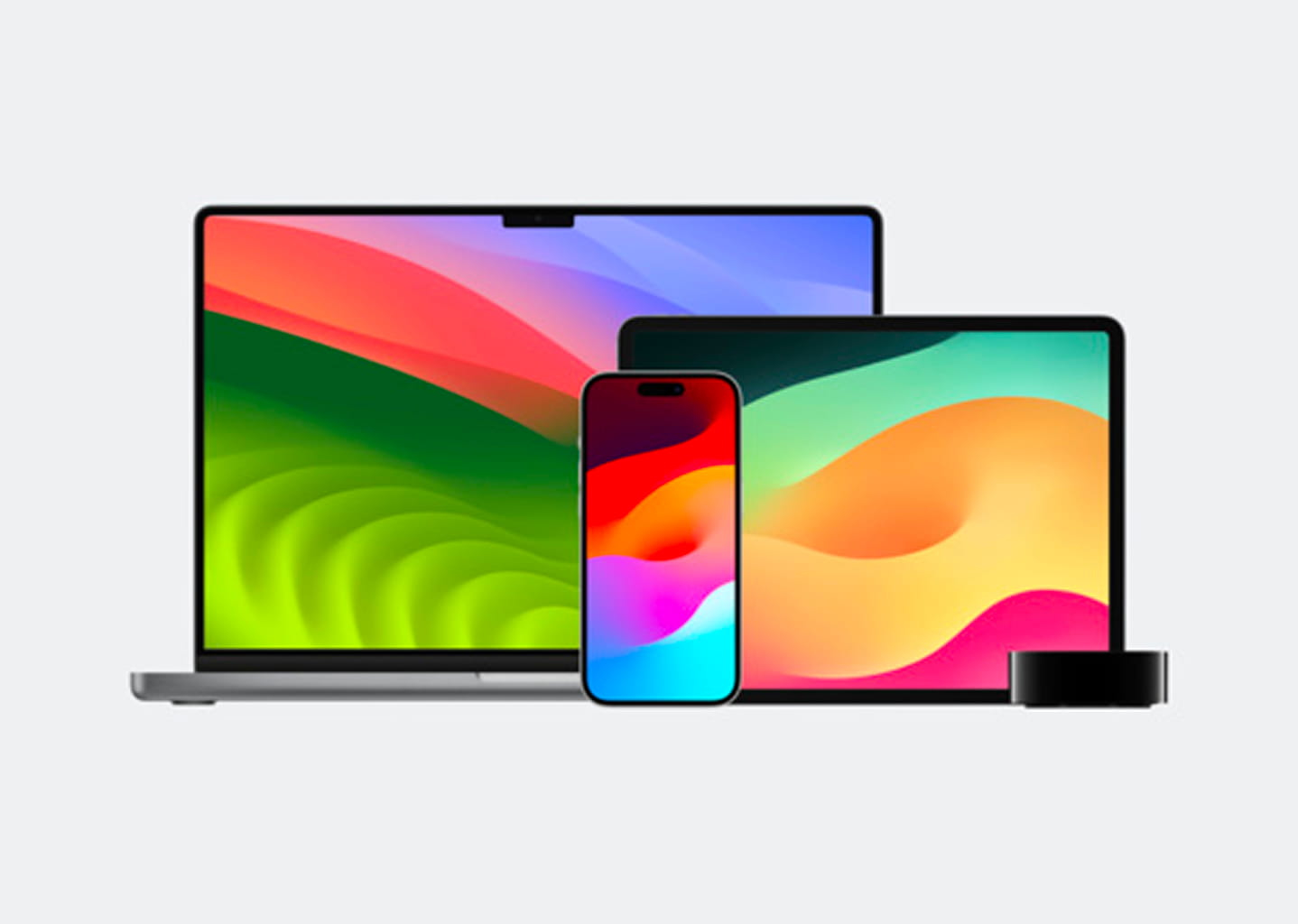
A Mac, iPad and iPhone solve different business needs — and the right choice depends on the employee role, mobility, applications and the way the device will be managed.
Office users, managers, designers, mobile employees, sales teams and service staff all work differently. We assess real scenarios, then define the right combination of devices, accessories, management policies and corporate services.
The result is a clear Apple workplace standard that can be repeated across new hires, teams and offices while remaining easier to secure, support and refresh.
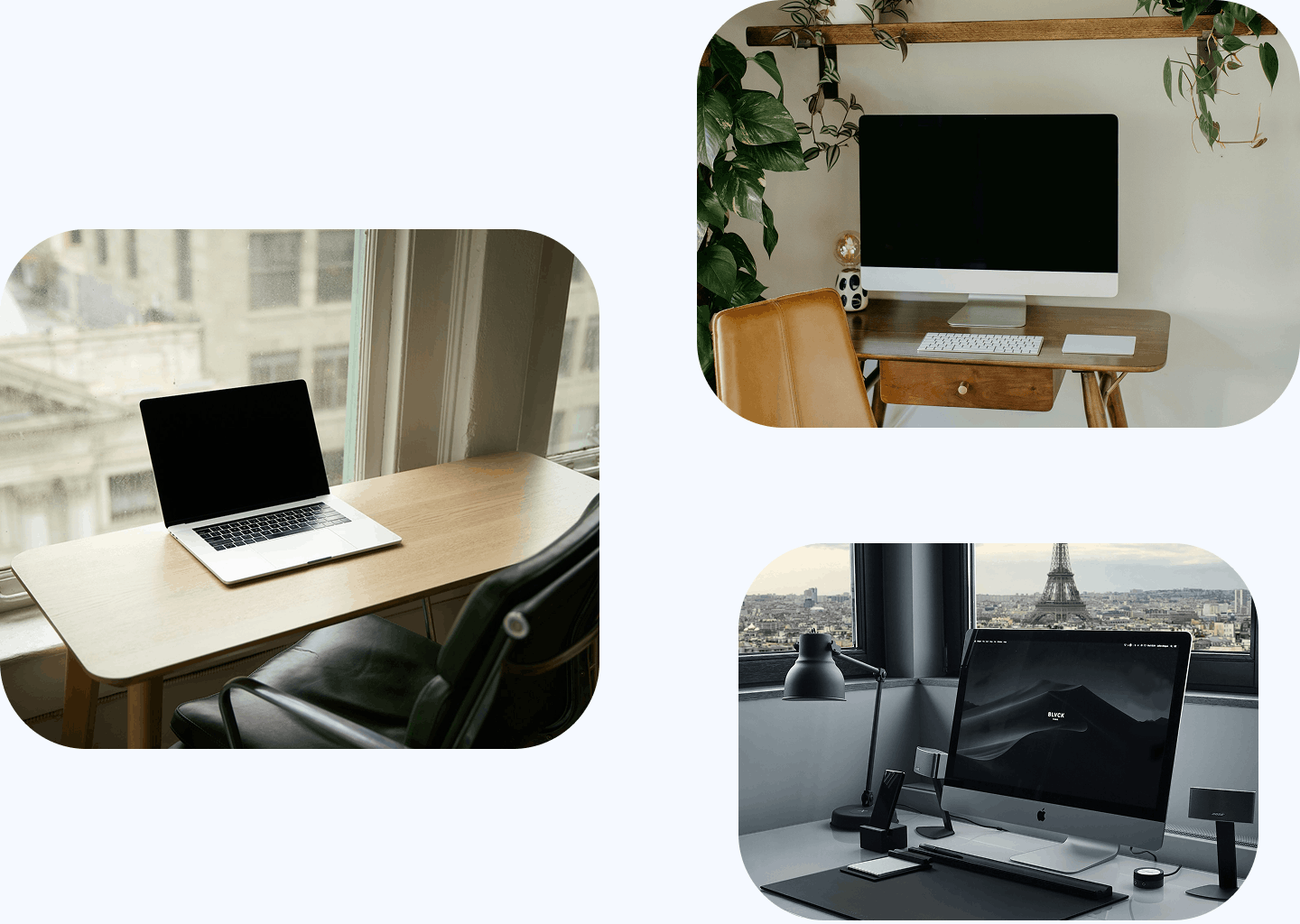
Apple devices and
management for business
-
MacBook and Mac for business
 For office, mobile and hybrid employees, managers, designers, marketing, creative and technical teams that need a stable everyday work environment.
 -
iPad for business
For mobile employees, field teams, presentations, service scenarios, warehouses, training, sales and corporate applications where a tablet is more practical than a traditional workstation. -
iPhone for corporate use
For mobile communication and secure access to email, Teams, CRM and business applications when employees work away from the office. -
Apple Business Manager
For centralised preparation and enrolment of Apple devices, users, applications and content as part of a scalable business deployment process. -
MDM for Apple devices
For security policies, settings, applications, restrictions, remote management and ongoing support of corporate Mac, iPad and iPhone devices. -
Accessories and workplace bundles
Monitors, docking solutions, keyboards, mice, adapters, chargers and other components that turn Apple devices into complete and repeatable workplaces.
Build Apple standards
around real employee roles
Instead of choosing the same device for everyone, definea small number of repeatable Apple workplace profiles.
Get a Consultation
Everyday
Office
A MacBook or Mac paired with the appropriate display and accessories, with corporate applications and policies delivered through the managed environment. The focus is dependable daily work, comfort and consistent setup rather than overconfiguring every user.
Get a Consultation
Mobile
& Hybrid
Depending on the role, the standard may combine a MacBook with iPhone or iPad and the accessories required for work away from a fixed desk. We also consider secure access, collaboration tools and MDM policies so the experience remains consistent wherever the employee works.
Get a Consultation
Sales, Field
& Service
iPad and iPhone can be configured around CRM, communication and business applications, with the necessary restrictions, applications and policies delivered centrally through MDM. This is useful for teams that need fast access to corporate services without a permanent desk.
Get a Consultation
Creative &
Professional
A Mac or MacBook configuration selected around the actual applications, performance, memory, display and accessory requirements of the role. The objective is a dependable professional setup that fits the workload rather than a single high-end device standard for everyone.
Get a Consultation
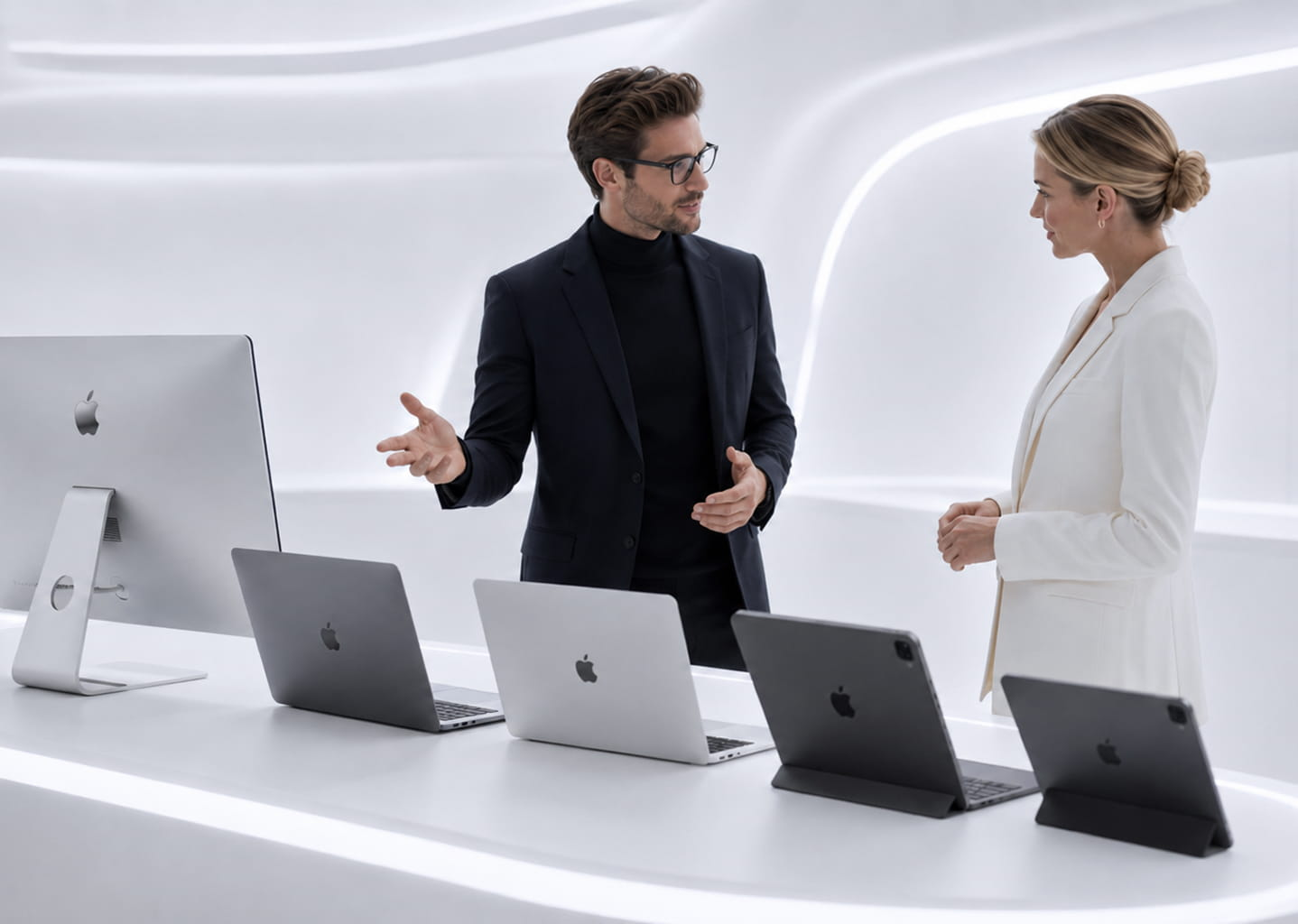
Standardise Apple without
turning every rollout into a
manual project
The right business choice is not one identical Apple device for every employee.
We define role-based standards for devices, accessories, enrolment, applications, security and support. Apple Business Manager and MDM then help keep preparation and management consistent as the device fleet grows.
This makes onboarding, policy changes, support, documentation and future refresh cycles more predictable than managing a mixed fleet device by device.
More than supplying Apple devices
NEOLA can support the process from user-role assessment through supply, preparation, integration and lifecycle planning.
-
User-role and workload assesment
We identify who needs a Mac, who benefits from iPad or iPhone, how mobile the user is and which applications and corporate services are part of the daily workflow. -
Device, configuration, accessory and warranty selection
We select Apple devices around performance, mobility, memory, accessories, warranty, service and budget instead of starting from one model for the whole company. -
Apple workplace standard design
We create repeatable bundles for different employee groups, combining the right device with the accessories and management approach required by that role. -
Apple Business Manager and MDM setup
We define enrolment, management, security policy and application-distribution scenarios so devices can be prepared and administered centrally. -
Integration, documentation and lifecycle support
We align Apple devices with existing IT processes, Microsoft 365, Teams, Google Workspace and corporate applications, document the standard and support the fleet after deployment.
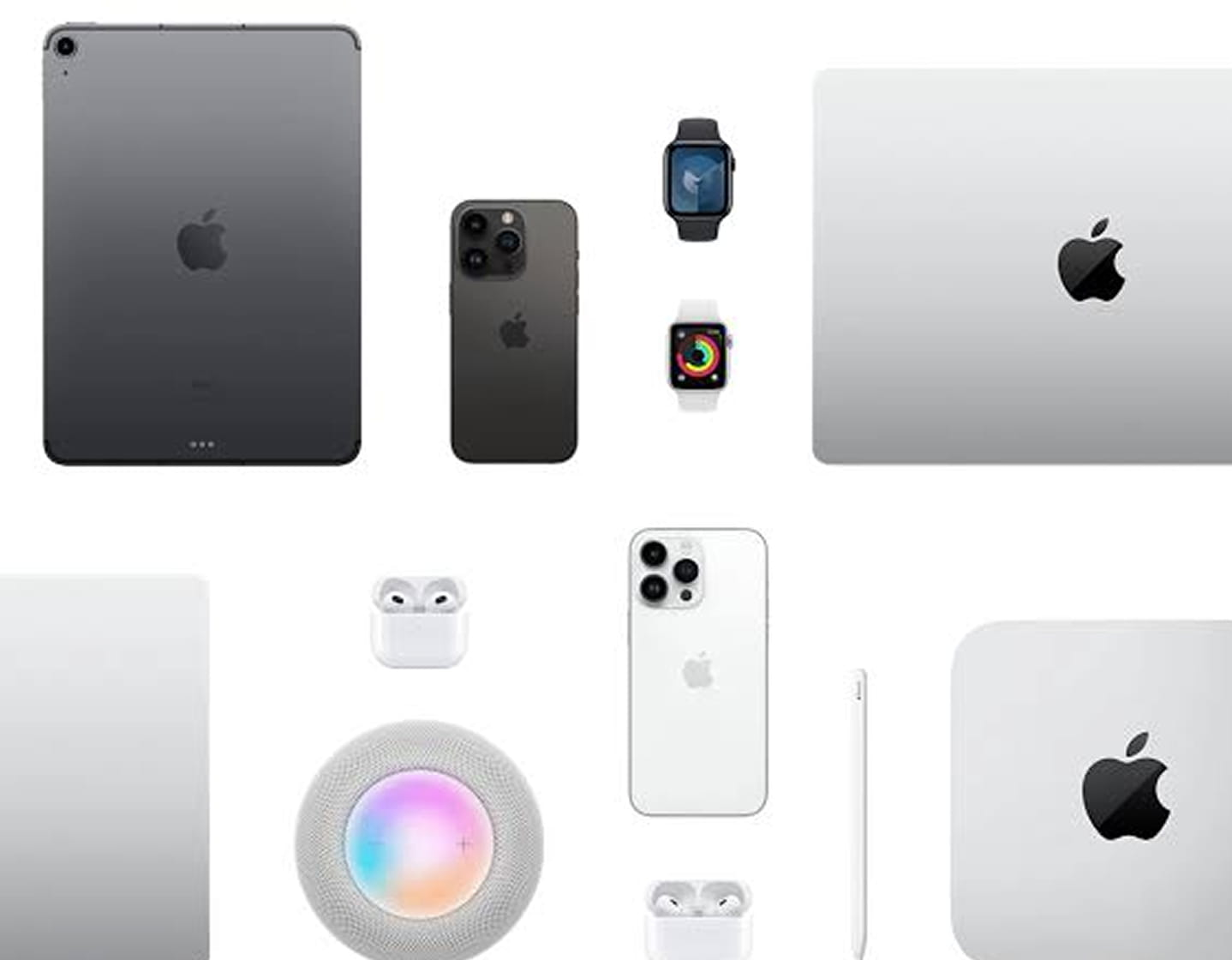
Why work with NEOLA on
Apple business projects
We do not start with “which MacBook should you buy?”. We start with employee roles, applications, security requirements and the way the organization wants to manage devices over time.
Our recommendations consider the device together with Apple Business Manager, MDM, accessories, warranties, Microsoft 365, Teams, Google Workspace and existing corporate services — including mixed environments where Windows remains part of the infrastructure.
That turns Apple devices into a managed part of the company’s IT environment rather than a separate hardware category.
F.A.Q.
Clear answers before we start
-
Which Apple devices should a business choose?
It depends on roles and working scenarios. Some employees need a MacBook or Mac for everyday or creative work, others benefit from iPad for mobile workflows, while iPhone provides communication and access to corporate services away from the office. We define the right mix after reviewing the roles. -
When is a MacBook a better choice than an iPad?
A MacBook is suited to a full workplace with broader application use and heavier daily workflows. iPad is useful for mobile scenarios such as presentations, field and service work, warehouses, training and sales. Depending on the role, the two can also complement each other. -
Can Mac, iPad and iPhone be managed centrally?
Yes. With MDM and Apple Business Manager, devices can be enrolled, configured and managed centrally, including security policies, applications, restrictions and remote administration. -
What is Apple Business Manager used for?
It supports centralised preparation and enrolment of Apple devices, users, applications and content in a business environment. Together with MDM, it helps create a controlled process for deploying and maintaining devices. -
Do Apple devices work with Microsoft 365 and Teams?
Yes. Mac, iPad and iPhone can work with Microsoft 365, Teams, email and other corporate services. We help configure access and policies so Apple devices fit into the company’s working environment. -
Can Apple devices be deployed in a Windows-based company?
Yes. Apple devices can be integrated into a mixed environment through MDM, Microsoft 365 and other corporate services. The company does not need to move every user or system to a single platform. -
Can NEOLA standardise Apple devices across different employee groups?
Yes. We can define a small number of clear configurations for office, mobile, management, creative, sales and service roles, then align device management through Apple Business Manager and MDM. -
Can different Apple bundles be created for different roles?
Yes. Each employee group can have its own device and accessory bundle instead of receiving the same setup regardless of how they work.
Contact us
Let’s get in touch
Tell us what you need — cloud migration, cybersecurity, networking, infrastructure, workplace devices, or ongoing IT support. We’ll review your request and help you choose the right next step.